Built for the invoice, not the ledger.
Every capability below exists to get a professional document in front of your client and the money into your account. Nothing here asks you to understand double-entry bookkeeping.
The invoice, done properly.
Build an invoice from your saved services, override anything on the line, and watch the tax and totals resolve as you type. Finalize it and the document is locked — corrections happen through a traceable trail, not a silent edit.
-
Line items that behave
Quantity, unit, unit price, discounts and per-line tax. Override a service price on one invoice without touching your catalogue.
-
Numbering you control
Prefix, starting number, optional year or month segment, per-business sequence — with a live preview. Generation is concurrency-safe, so two people finalizing at once can never collide on a number.
-
Finalized means finalized
No silent edits to a document a client has already seen. Cancel, void, correct or reopen — each one recorded, each one explainable.
-
Status that tells the truth
Delivery status, payment status and document status are three different things, and we keep them three different things. "Sent" never quietly means "delivered".
Your client list and service catalogue, reusable.
Save the work you actually sell — by the hour, the day, the project, the session — then drop it into an invoice in a click. Client details, payment terms and preferred language are remembered so you set them once.
-
Individuals or organizations
Billing and shipping addresses, tax numbers, secondary contacts, tags, internal notes — and per-client payment terms and currency.
-
A real client history
Every invoice and quotation, the outstanding balance, total invoiced, and how long that client actually takes to pay.
-
Eight unit types
Fixed fee, hour, day, item, session, project, month, or your own. Because "1 × Consulting" is not how anybody sells consulting.
-
History that stays history
Change a service price or a client address today and last year’s invoices do not change. Each document keeps a snapshot of what was true when you sent it.
Your taxes, your rules.
We do not assume one tax model, because there is no one tax model. Define as many taxes as your business actually charges, decide whether each is inclusive or exclusive, set compound behaviour and calculation order, and let the invoice show its work.
-
Multiple taxes, per service, per line
A service declares which taxes apply; an invoice line can override it. Registration numbers appear on the document where you need them to.
-
Inclusive or exclusive, compound or not
Set it per tax, with a calculation order and optional effective dates. We validate combinations that cannot be right.
-
Decimal arithmetic, always
Money is calculated with decimal arithmetic and a documented rounding rule applied once per row. Floating-point cent errors are a class of bug we designed out, not a thing we patch.
-
Suggestions, never assumptions
We can suggest the taxes typical for your country during setup. You confirm them. Nothing tax-related is ever applied to your business silently.
Quote it, win it, convert it.
Send a professional quotation with an expiry date. Your client accepts or declines from the same secure link they would use to view an invoice. One click converts the accepted quote into an invoice — with the line items and the trail intact.

-
A full lifecycle
Draft, sent, viewed, accepted, declined, expired, cancelled, converted — visible at a glance, recorded in the activity history.
-
Convert without retyping
Conversion copies the line-item snapshots and creates a traceable link between the quote and the invoice. Converting twice by accident is prevented, not apologized for.
-
Client-side accept or decline
Your client does not need an account, a login, or a PDF reader that supports forms. They open a link and press a button.
-
Acceptance rate, tracked
See how many of your quotes turn into work — in the analytics, alongside everything else.
Documents that look like you meant it.
Your logo, your colours, your terms, your footer. Generated as a deterministic, print-friendly PDF that never splits a row awkwardly or orphans a total on its own page — and delivered with a secure link your client can open on a phone.

-
Brand-aware and regeneratable
PDFs are versioned and deterministic. Regenerate one two years later and you get the document you actually sent.
-
A secure view, not a public page
The client link is a long, random, revocable token. It shows that one document and its branding — never an adjacent record, never another client.
-
Delivery status you can trust
Queued, sent, delivered, opened, bounced, failed. We do not print "delivered" when all we actually know is that a provider accepted the message.
-
In your client’s language
Documents and emails follow the client’s language preference, not yours. Bill a Montréal client in French from an English workspace.
Bill the retainer without the reminder to bill the retainer.
Set a template, a frequency and a due-date rule, then choose whether each run sends automatically or waits for you as a draft. Overdue reminders go out on your schedule — with quiet hours and time zones respected.
-
Seven frequencies
Weekly, biweekly, monthly, quarterly, semiannual, annual, or a custom interval — with a start date, an optional end date, and the next run always shown.
-
Generated exactly once
Generation is idempotent. A retried job does not mean a duplicate invoice, and every execution is logged.
-
Pause without losing the thread
Pause a schedule for a client on hold and resume it later. The generated-invoice history stays intact.
-
Reminders on your terms
Before due, on due, after due, or custom offsets. Cap the number per invoice, disable them per business, override them per document.
Enough insight to run the business. Not so much that it becomes accounting.
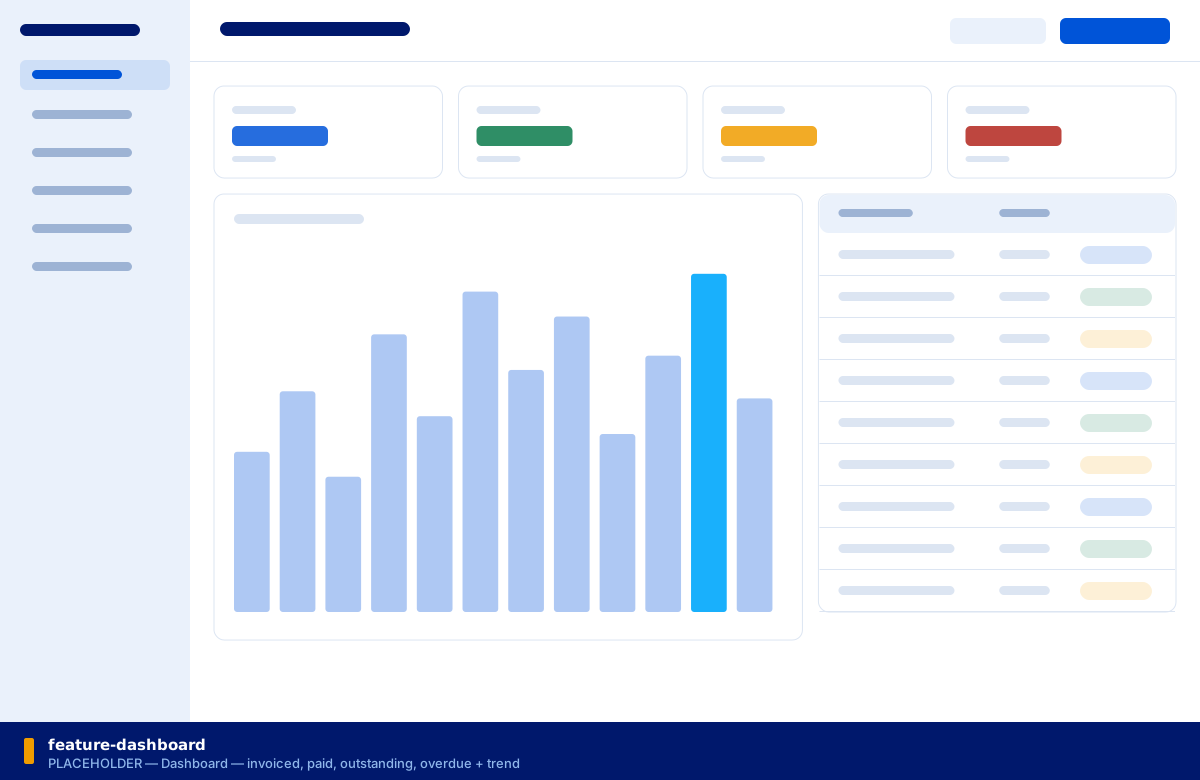
Invoiced, paid, outstanding, overdue — the four numbers you actually check. Then revenue by period, by client and by service; outstanding ageing; quotation acceptance rate; and average time to get paid.
-
The four totals, first
Invoiced, paid, outstanding and overdue, with counts of draft, paid and overdue invoices, and a monthly trend.
-
Who and what makes the money
Top clients, top services, revenue by client, revenue by service, invoice status distribution, average invoice amount, tax totals.
-
Filter it down
By business, date range, client, service, status, currency or team member.
-
Labelled honestly
Figures that depend on manually recorded payments say so. We do not dress up an estimate as a verified accounting figure.
More than one person. More than one business.
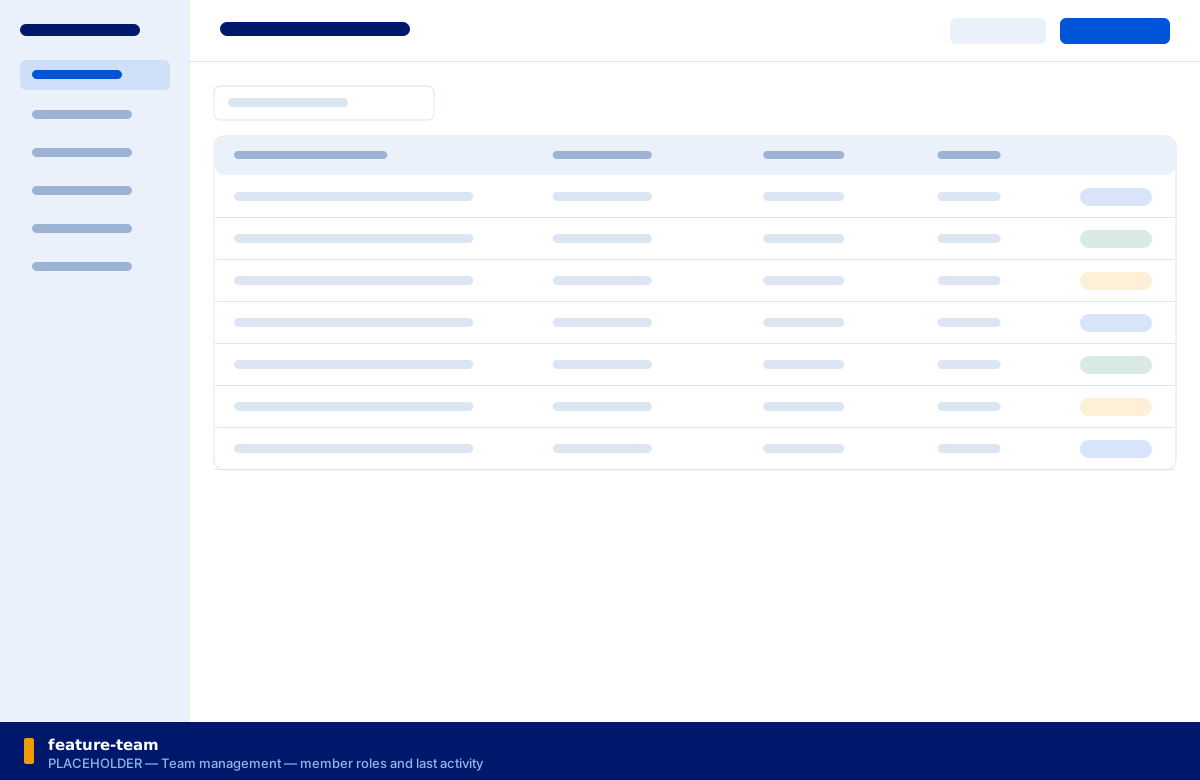
Invite your team by email, give each person a role, and keep separate businesses genuinely separate. The same person can be an Owner in one workspace and a Viewer in another.
-
Five roles
Owner, Administrator, Billing Manager, Staff, Viewer — enforced by permission on the server, not by hiding a button in the browser.
-
Workspaces that do not leak
The business workspace is the tenant boundary, enforced on every query and command server-side. Switching workspaces is a click; crossing them is impossible.
-
An audit trail worth having
Who created it, who finalized it, who sent it, who changed the payment status — written in the same transaction as the change it describes.
-
Guardrails
You cannot remove the last owner of a business. Invitations cannot be used to take over an account.
AI that drafts. You decide.
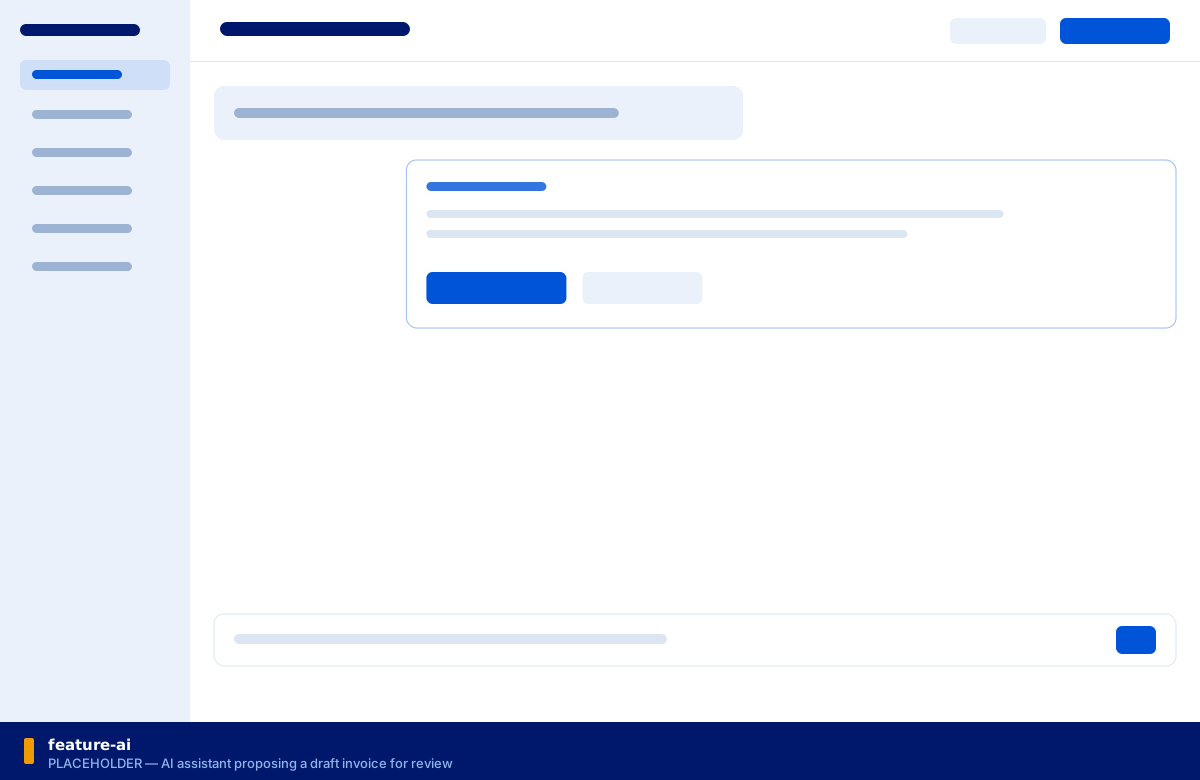
Describe the work in plain language and get a structured draft invoice. Ask what is outstanding. Have a blunt payment note rewritten politely. Then read it, change it, and approve it — because nothing financial happens without you.
-
Draft from a sentence
"Invoice Acme for 12 hours of design work at my usual rate, due in 30 days." You get a structured draft, shown in full before anything is saved.
-
Never sends on its own
AI output never creates or sends a financial document without your explicit confirmation. It never silently alters an amount, a tax, a date or a client.
-
Summarize and search
What is outstanding? Which invoices are overdue? Where is that client from March? Ask instead of filtering.
-
Optional, by design
AI reduces friction; it is not the product. Every core invoicing workflow works completely without it, including when the AI provider is down.
The things you only notice when they are missing.
Underneath the features is a set of decisions that do not photograph well but decide whether you trust the product with your billing.
Fast, keyboard-friendly, modern
The experience is closer to Linear or Stripe Dashboard than to an accounting application. It should feel quick enough that invoicing stops being a chore you postpone.
Works on the phone you have
Fully responsive, designed for a phone screen rather than shrunk onto one. Creating and sending an invoice from a job site is a supported flow, not a fallback.
Accessible by default
Keyboard navigation, visible focus, screen-reader labels, and status never signalled by colour alone. There is a high-contrast mode because some people need one.
English and French, first-class
Both languages ship together — interface, invoice and quotation documents, and every customer-facing email. A missing translation fails the build rather than reaching a client.
Money maths that is actually correct
Decimal arithmetic with a documented rounding rule applied once per row, backed by an extensive tax-calculation test suite. Floating-point cent errors are designed out.
Your history stays true
Invoices keep snapshots of the client, the line items, the taxes and the payment link as they were when you sent them. Editing today never rewrites last year.
Send your first invoice in under five minutes.
Set up your business, add a service, and bill a client — all before your coffee gets cold.
14-day free trial · No credit card at sign-up · Your data is preserved if the trial ends